

Obviously not everyone shares the same view on the importance of protecting photographs these days, my guess is that this is because of the “hassle” involved with going through the process of protecting everything. But my question is this, don’t you want to be able to look back 20 years later and go through some of your old memories? If you have children, you know that you will want to have these memories to hang onto, and even if you don’t have children you’ll want to be able to look back at your favorite pets or vacations. If you didn’t want to have the chance to look back on these memories some day, you would not have pushed the button on your phone or camera to take the picture in the first place! But what are you doing to make sure that your child’s first steps that you caught on your cell phone camera can be found when your child is an adult? 

So now what? People that truly care about protecting photographs may seem like crazy people compared to the average person. But if you want to cherish these memories forever you have to be proactive and almost over the top with your methods to truly accomplish protection of these memories. Someone like me keeps my childhood photographs in my fire-proof/waterproof safe. Do I look at them all the time being in the safe? No, but who looks at their life’s photographs all the time? It’s a matter of priority to some people to make sure that years down the road, no matter what happens in life, you’ll have those memories to look back on.
Where to begin… Well, if you’re like my wife (Love you babe), start by transferring all of your photos off of your mobile devices regularly, instead of ignoring them on there until it’s time to upgrade your phone. We go through this every time, and I have to remember to transfer all of her pictures before we run off to get a new phone, and it will take an hour to download everything to my computer because there’s several thousand pictures that have never been transferred… And if something ever happens to her phone during the two years of having it, most likely all of her pictures and videos will be lost. In our world, even as photographers, I have had to capture some important moments in my children’s lives on my phone and would hate to lose those first steps or words! For most people, doing this is a major step in protecting photographs, because I have met so many people that don’t do this, not naming names right now… And don’t think I’m just talking about phones, this includes digital cameras, plenty of people out there just keep taking pictures forever on a single memory card, saving all of their old pictures and just adding to them every time. I hope you never lose that memory card or damage that camera…
Beyond simply unloading your pictures from your devices, this is where the general public probably thinks you’re going a little crazy and preparing for the end of the world. But that’s okay, just ignore those people, you’re just trying to protect your life’s work of photographs and memories. If people make fun, it’s just because protecting things like that are not a priority to them. In a digital world, there are much better odds of having a failure of one of your digital devices than a natural disaster destroying all of your property, so you have to take that into consideration while building your structure to protect everything. There are multiple steps to take to be 99% safe in the end, and anything less leaves you at some degree of risk for losing everything.
For starters, people these days seem to forget that you can print pictures… There is a world outside of Facebook and Instagram and everything else in the social media world. Do you really want to sit down with your 1 year old and look at photos on your cell phone as you get party notifications from your friends? Or would you rather sit down with your child and flip through a book that they can see and touch and you can really spend quality time with them looking at photos? Personal opinion on that to some degree, but there are statistics from Doctors warning against babies being exposed to screens like that at young ages. There are many companies out there that have made printing your pictures, even from cell phones, very easy to accomplish and pretty 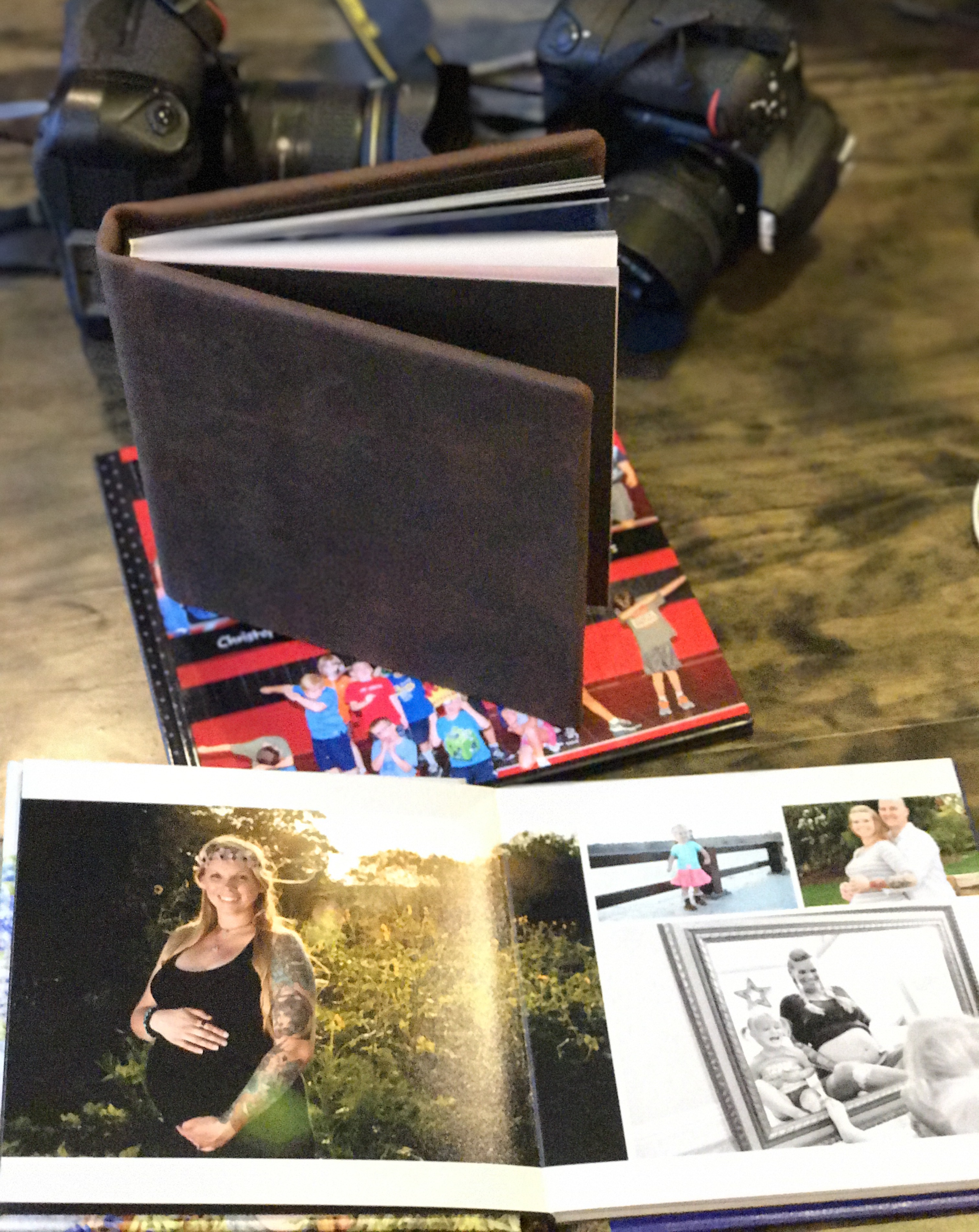

Beyond the print world, we have to get into the digital world of protection. This is where things seem crazy. It took me a few years to grasp the concept and eventually invest the money and accept the financial responsibility down the road of maintaining the digital side. I have used Apple computers now exclusively for almost 20 years, and I would tell you they are the most reliable computers on the market from my experience. I have and still have 10 year old version that run and function just fine, the main reasons I have replaced them is because software keeps progressing and files continue to grow, which means the computer itself can’t keep up at some point with the software and files. Otherwise these computers have never failed me or missed a beat. But I still go through all of the steps to fully protect my images and files. You can read all day long about different ways to backup your computer safely and there are lots of versions of doing this, but the most common theme across the board is that you need to backup all of your images at least 3 times, off of your computer, to be decently protected. Most people out there don’t backup their computers at all on a personal level. I never did in the past. But when you start to realize the importance of your photographs and in my case, being a professional, you have to be cautious. When I started photography as more than a hobby is when I started my backup system, because now became more than my own personal pictures I was protecting, it was someone else’s memories in my hands. And that’s not something I want to play around with!
So why 3 backups to my already solid computer hard drive? You have to think what’s the worst that could possibly happen? Most of us will never experience the worst that could possibly happen, but you never know when you might win that lottery. So you start by getting a backup hard drive to duplicate everything on your computer in case your computer ever fails and files can’t be recovered. That seems like a slim chance of happening, especially to a loyal Apple user like myself, but anything is possible. So now you can at least have some piece of mind that if your computer decides to fail, you have a backup drive with everything on it! Good start. So I have multiple computers that cost several thousand dollars each, they run perfect, never fail. I just added an external hard drive made by whatever company (not Apple), paid a few hundred dollars for it. Do you think that the $300 portable hard drive is as reliable as the several thousand dollar computer? Not likely… And you can probably find all kinds of failure rates for the drive 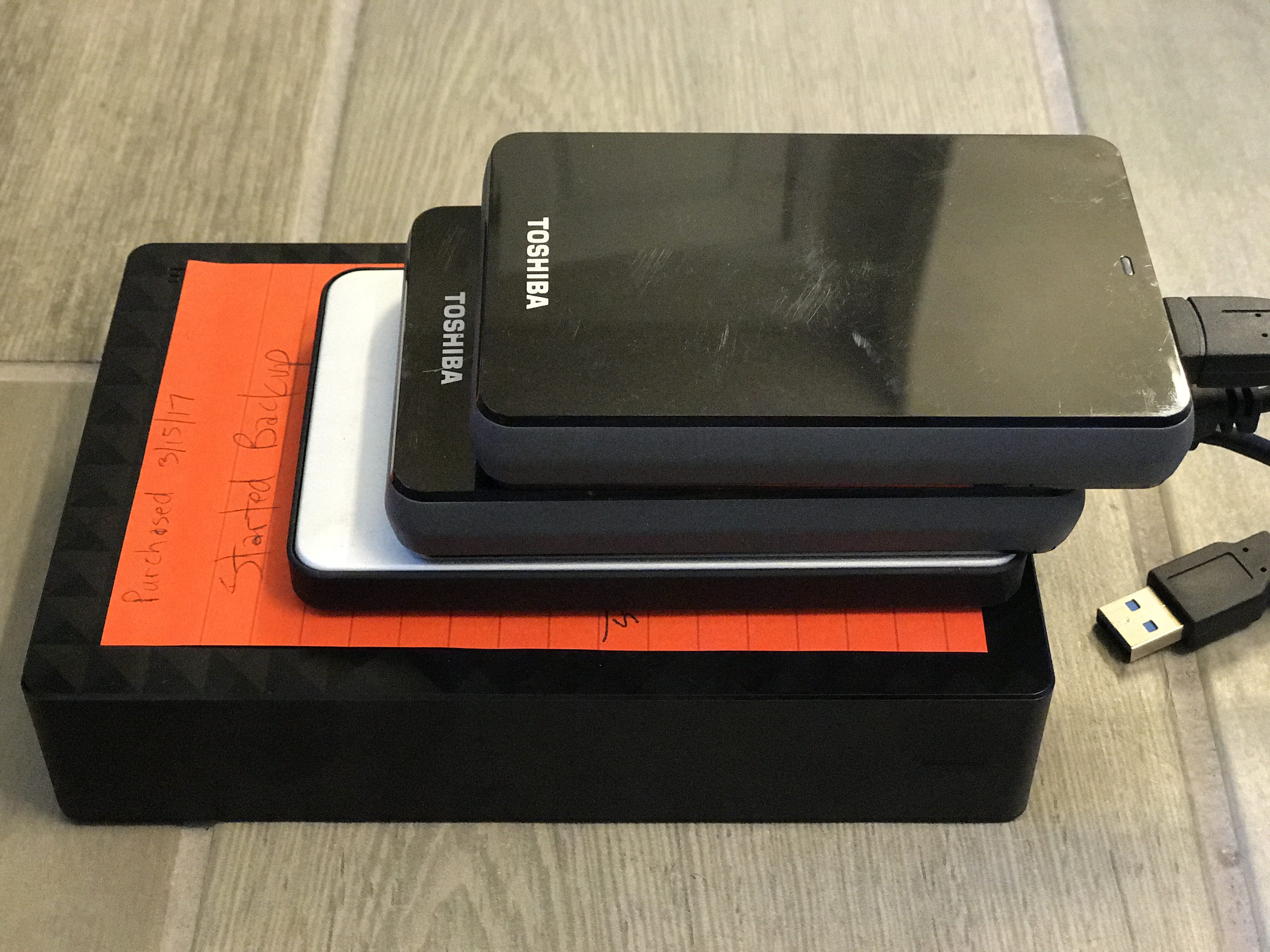

How do I protect myself from the worst possible scenario? I use a version of this that is slightly modified because of my own experiences in life. I have had one of my computers get shocked in a lightning storm, taking out some functions of the computer when this happened. Have you seen surge protectors that have an input/output for data cables? Well there is a reason for that… Your internet connection can transmit lighting shocks just like your wall outlet for power can, and I did not have mine protected. I’ve also had a family member that had a house struck by lightning taking out everything plugged in to walls and surge protectors. You just never know what will happen. So I have a structured method of backing up all of my photographs for personal and for business. To start from the very beginning of the process:
-After a photo shoot, my images are all transferred from my camera to my main computer in the office as soon as I complete the shoot. This way I’m not relying on a memory card to protect anything.
-My computer performs nightly backups to a 5TB hard drive hooked directly to my computer. So all images are transferred onto an external hard drive by the end of the day each day.
-I use a “Cloud” service to protect and exchange photographs (Dropbox), so I upload customer and important personal images to the cloud service, so there is a copy being stored on a server somewhere out there, being cared for by someone else (Which probably means multiple copies of my files on their end as well).
-I have a monthly schedule to exchange my 5TB hard drive out with an identical drive that is kept in my fireproof/waterproof safe. If I have a batch of client photoshoots I will exchange these drives early just to make sure they make it into a safe location sooner.
-After editing images for clients, I update my files on the cloud server so that now I have the final, edited versions permanently loaded out there for protection and access.
*In addition to regularly transferring cell phone pictures to my computer, which in-turn backs them up with everything else, I also have my cell phone set to automatically upload everything I take to my Dropbox account. This means that all of my little moments of my baby boy learning to walk are automatically being duplicated and stored digitally out there for safe keeping. Easy to do and guarantees keeping it protected!
So to break down what I’ve said here, you can never be too safe when trying to protect photographs in this day and age. Failure rates for computers and hard drives are higher than you might think, and definitely more likely to happen to you in a lifetime than being swept away in a tornado. It all comes down to the importance of those memories to you and your family, and even your future family. Don’t keep ignoring the steps to protect them, at least start with the basics because that is better than doing nothing. And if you use a professional photographer like me, you can at least know that your photographs are safe with me because we take the steps to protect them even after we hand you the final product. You may never go through all of these steps out there yourself, but nobody may have told you this information either, so it’s good to at least think about. And at least if you use us for your photographic needs, you can know that your pictures are in safe hands!
-Ronnie Sunker